Visual planning
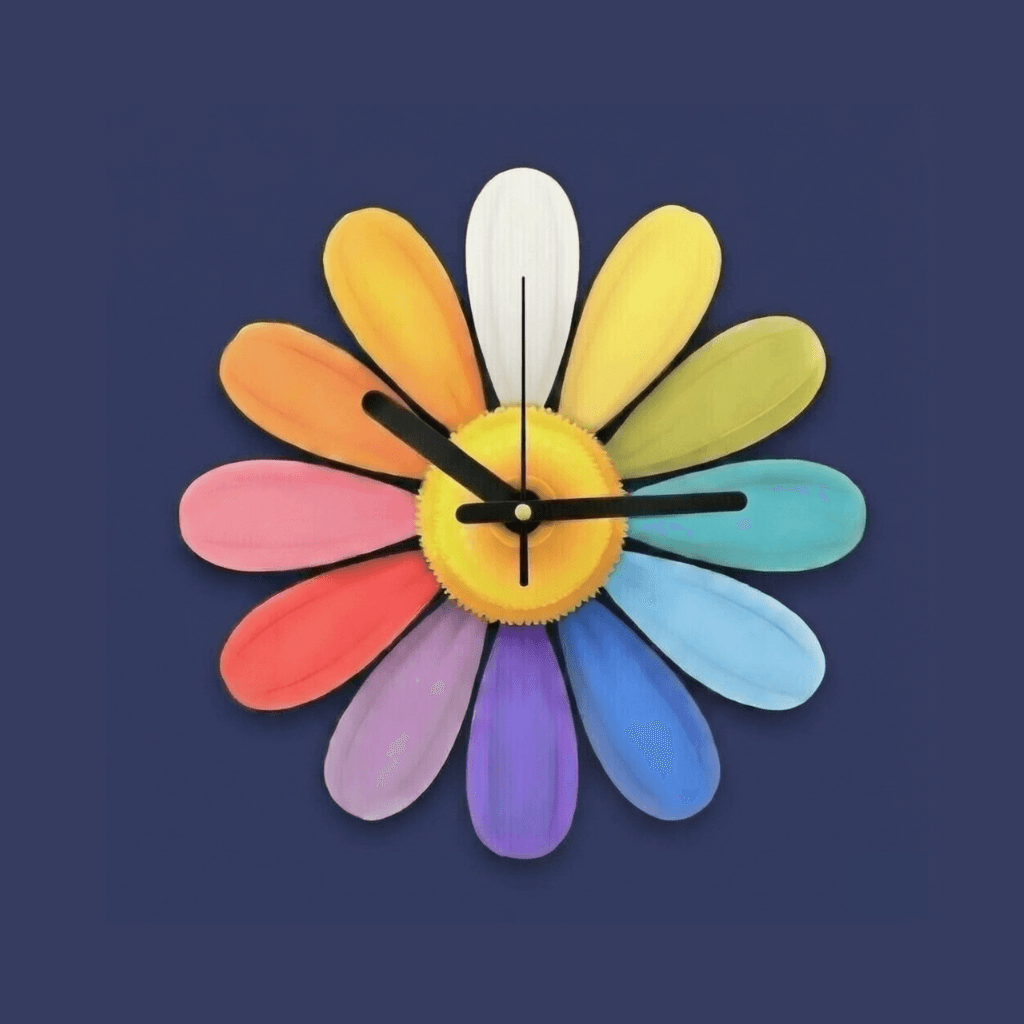
Every errand becomes a petal on your flower. See your whole day at a glance, not a wall of checkboxes.
On iOS & Android
Errands, appointments, and to-dos laid out as petals around a single flower — so everyone can see the whole day without reading a list.
Saturday
4 of 12 stops done
Pharmacy · 2:30pm
Pick up kiddos · 3:00pm
Dinner date · 6:00pm
How it works
No setup weekend, no template library. Plan a day in about a minute.
A flower is one day, one trip, one project, or one category of to-dos. Name it and it is ready to fill.
Petals can be a stop with its own list — the pharmacy, the school run, the hardware store.
Optimize the route, see travel times between stops, and check petals off as you go.
Features
Built around real errand days — not around a productivity philosophy.
Every errand becomes a petal on your flower. See your whole day at a glance, not a wall of checkboxes.
Assign stops, split the list, and stay in sync with up to 10 people in your household.
Optimize the order of your stops and see real travel times between them before you leave the house.
Track appointments on every plan, no gate, no upsell. Add Pro and it becomes set-it-and-forget-it — synced automatically with your phone’s calendar, so new appointments show up without you lifting a finger.
Everyone gets a nudge when a stop is assigned or a petal is checked off, so no one has to ask “did you get that?”
No ads. No data sales. Pro members keep the lights on — that’s how we stay independent.
Pricing
Notifications are included on every plan — no gate, no upsell.
Everything you need to get organized
$0no card, no trial timer
Create an account, plant a flower, and start planning. Upgrade later if you outgrow the limits.
For bigger households and bigger days
Everything in Freeplus the limits lifted
Billed through the App Store or Google Play. Cancel anytime in your device settings.
A flower is a container for one day, trip, or project. Each petal around it is a single stop or task, and each petal holds its own checklist of items. It is the same information a to-do app would show you — just arranged so you can read the whole thing in one glance.
No. The free tier covers 5 flowers, 12 petals each, 2 family members, and route planning for up to 5 stops. Appointments and calendar event import are included on every tier. Pro raises the limits and adds AI route optimization and real-time travel times.
One person creates the family and invites the others. Everyone in the family sees the same flowers, petals, and items, so a stop crossed off by one person is crossed off for everyone. Free families hold 2 people; Pro families hold up to 10.
No. There are no ads in the app and we do not sell your data. Pro subscriptions are the only thing funding development, which is exactly why we can keep it that way.
Subscriptions are billed by the App Store or Google Play, so you cancel them in your device settings. To remove your data, use Settings → Delete Account in the app, or follow the step-by-step instructions on our data deletion page.
Daisy’s Dailies runs on iPhone, iPad, and Android phones and tablets. Your data syncs across every device you sign in on.
Download Daisy's Dailies, plant your first flower, and see the whole day at a glance.